
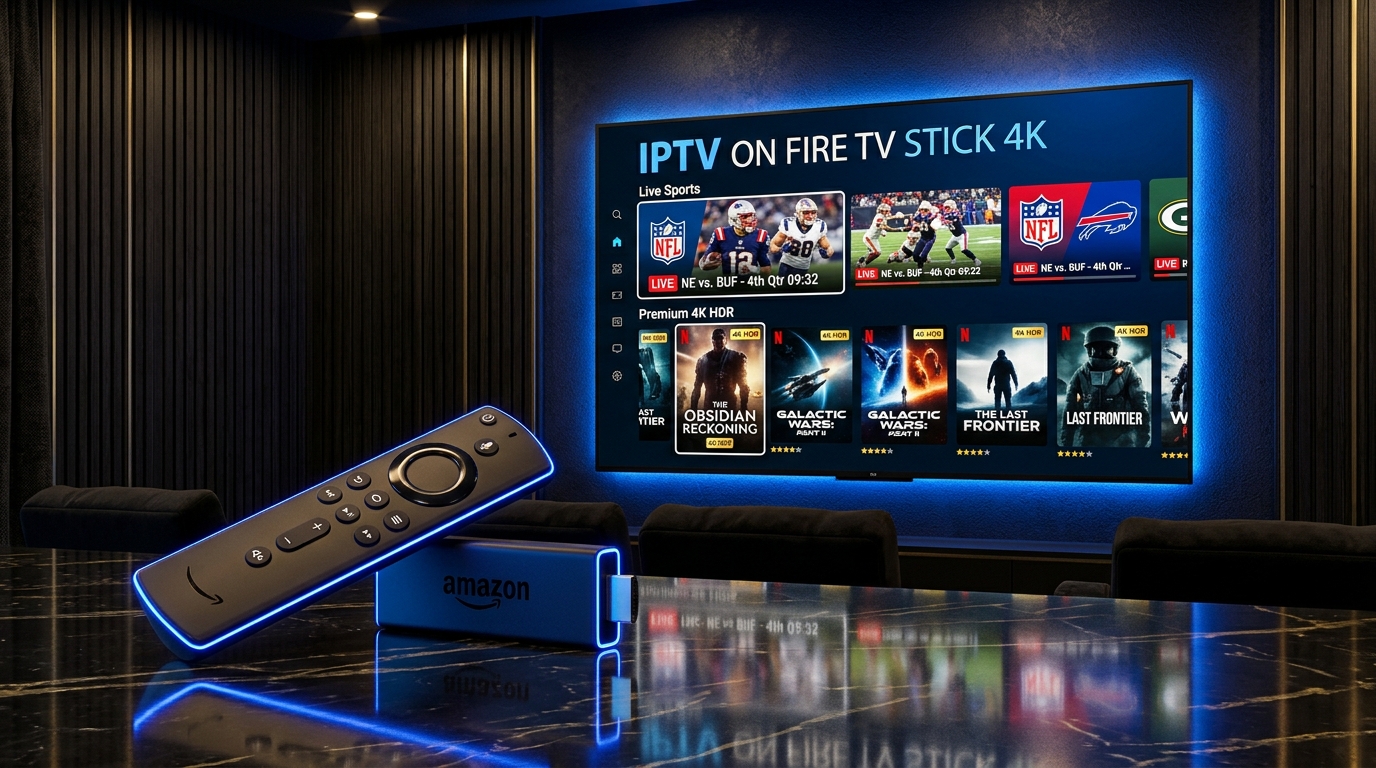
Key Takeaways & Quick Summary (2026 Edition)
- Amazon Fire TV Stick 4K Max (2nd Gen) is the #1 recommended streaming device in the USA for 4K 60fps and 8K IPTV playback.
- On newer Fire OS 7 and Fire OS 8 devices, the "Developer Options" menu is hidden by default—click "About -> My Fire TV" 7 times rapidly to unlock it.
- Use the free "Downloader by AFTVnews" app from the Amazon Appstore to install TiviMate, IPTV Smarters Pro, or XCIPTV in under 60 seconds.
- Always delete the .apk installation file after installing your IPTV player to keep your Firestick storage fast and responsive.
Phase 1: Install the "Downloader" App from the Amazon Appstore
Because top-tier open media players like TiviMate and IPTV Smarters Pro are sideloaded directly from their official developer servers, you first need the free Downloader utility from the official Amazon Appstore.
- Step 1: Turn on your Firestick and click the "Find" (magnifying glass) icon on the middle navigation bar of your home screen.
- Step 2: Click "Search" and type "Downloader" (or hold the Alexa voice button on your remote and say "Downloader").
- Step 3: Click the orange "Downloader" app tile (developed by AFTVnews.com) and select "Download" or "Get".
- Step 4: Wait 10 seconds for the installation to finish, but do not open it yet—first, we must unlock Developer Options.
Phase 2: How to Unhide "Developer Options" on Fire OS 7 & Fire OS 8 (2026 Update)
Amazon hides the Developer Options menu by default to prevent accidental system changes. Unlocking it takes 15 seconds and is 100% safe and reversible:
- Step 1: From the Fire TV Home screen, scroll all the way to the right and click the Gear icon ("Settings").
- Step 2: Scroll down and select the "My Fire TV" (or "Device & Software") tile.
- Step 3: Click "About" at the top of the list.
- Step 4: Highlight the very first option ("Fire TV Stick 4K Max" or your device name) and press the center Select button on your remote 7 times rapidly.
- Step 5: A message at the bottom of your screen will confirm: "No need, you are already a developer."
- Step 6: Press the Back button once on your remote—you will now see "Developer Options" right below "About"!
- Step 7: Click "Developer Options" -> click "Install unknown apps" -> select "Downloader" -> switch it to "ON" (or enable "Apps from Unknown Sources").
Unlocking Developer Options does NOT void your Amazon warranty or modify your Fire OS operating system—it simply grants the Downloader app permission to install official APK packages.
Phase 3: Verified 2026 Downloader Codes for the Best Firestick IPTV Players
Now launch the Downloader app, click "Allow" when prompted for file access, and enter one of the official short codes or URLs below into the URL bar:
Option A: TiviMate IPTV Player (Ranked #1 for US Sports & Cable-Style EPG)
TiviMate offers the fastest channel zapping, Multi-View (watch up to 4 live NFL/NBA games on one screen simultaneously), and a sleek cable-style TV Guide.
- Open Downloader, click the URL input box, and enter the official TiviMate short code: 272483 (or type tivimate.com).
- Wait 5 seconds for the page to redirect and download the latest TiviMate APK.
- Click "Install" in the bottom-right corner, then click "Done" and click "Delete" twice to remove the temporary installer file.
Option B: IPTV Smarters Pro (Best All-in-One Free App for Live TV, Movies & Series)
IPTV Smarters Pro separates Live TV, 60,000+ Movies, and TV Series into three dedicated poster grids.
- Open Downloader and enter the official Downloader code: 78522 (or type iptvsmarters.com/smarters.apk).
- Click "Install" when prompted, then open the app and choose "Login with Xtream Codes API".
Option C: XCIPTV Player (Best for Built-In ExoPlayer & Low-RAM Firestick Lite)
XCIPTV features dual built-in hardware players (ExoPlayer + VLC) and works brilliantly on older or Lite Firestick models.
- You can search "XCIPTV" directly in the Amazon Appstore or enter Downloader code 616455 to install the latest build.
Phase 4: Connect Your BestIPTVProvides.us Subscription & Optimize Firestick Settings
Once your chosen player is installed, pin it to the front of your Firestick Home bar (highlight the app, press the 3-line Menu button on your remote, and select "Move to front"). Then apply these 3 critical Firestick performance tweaks:
- Log in with your Xtream Codes API credentials sent by our team on WhatsApp (+33 6 44 65 63 60) or email.
- Disable Firestick Background Data Collection: Go to Settings -> Preferences -> Privacy Settings -> turn OFF "Device Usage Data" and "Collect App Usage Data". This frees up 20% of your Firestick CPU.
- Enable Match Original Frame Rate: Go to Settings -> Display & Sounds -> Display -> turn ON "Match Original Frame Rate" so 60fps US sports and 24fps 4K cinema movies play with zero judder.
Top 4 Firestick IPTV Players Compared (2026 Performance & Features)
Compare the best IPTV players for Amazon Fire TV Stick 4K & 4K Max before choosing your preferred interface:
| Firestick IPTV App | Downloader Code | Multi-Screen (4 Games at Once) | Best For | Cost of App |
|---|---|---|---|---|
| TiviMate IPTV Player | 272483 | Yes (Up to 4 Screens in 4K) | Cable-style EPG & Live Sports | Free / Companion Premium |
| IPTV Smarters Pro | 78522 | Yes (Up to 4 Screens) | Netflix-style VOD Movies & Series | 100% Free |
| XCIPTV Player | 616455 | Yes | Firestick Lite / Dual ExoPlayer | 100% Free |
| IBO Player Pro | 834219 | No (Single Stream Ultra-Fast) | Remote Cloud Playlist Management | Free Trial / Lifetime App |
Helpful Resources & Official Documentation
- Internal Setup Hub: USA IPTV Installation Guides • 4K & 8K Plans (-10% OFF) • Optimal 4K/8K Player Settings • IPTV Buffering Fix Guide
- Amazon Fire TV Official Support: Network & Display Troubleshooting — Official Amazon documentation on optimizing Fire TV Stick Wi-Fi signal strength and 4K Ultra HD display settings.
- AFTVnews Official Downloader Documentation — Official developer documentation for the Downloader app on Amazon Fire OS and Google TV.
Frequently Asked Questions (Fire TV Stick)
Which Amazon Firestick model is best for 4K and 8K IPTV streaming in 2026?
The Amazon Fire TV Stick 4K Max (2nd Gen with Wi-Fi 6E and 16GB storage) and Fire TV Cube (3rd Gen) are the fastest models, delivering instant channel zapping and 4-screen Multi-View sports playback.
Is it safe to enable Developer Options on my Firestick?
Yes, 100% safe. Developer Options is an official built-in Android/Fire OS menu designed to allow installing trusted media players like TiviMate and Kodi that are distributed outside the Amazon Appstore.
Do I need to keep the Downloader app after installing IPTV Smarters or TiviMate?
You can keep Downloader installed so you can easily update your IPTV player in the future, but always delete the downloaded .apk installer file inside Downloader’s "Files" tab to save storage space.
Why does my Firestick buffer when plugged directly into the back of my wall-mounted TV?
Always attach the short HDMI Extender dongle (included in your Firestick box) between the Firestick and your TV. It moves the Firestick’s Wi-Fi antenna away from the metal RF shielding of the TV panel and prevents overheating.
How do I get my Xtream Codes username and password for my Firestick?
Simply message us on WhatsApp (+33 6 44 65 63 60) for an instant 24-hour Free Trial or select any 4K Standard / 8K Premium plan (-10% OFF on 6 & 12 months) on bestiptvprovides.us.